.webp)



Getting Started Setting Up Your Roblox Account
Before you start playing or creating games on Roblox, you need an account. Visit the Roblox website or download the Roblox app on your mobile device, click Sign Up, and provide a unique username, a secure password, and your date of birth. Verify your email to secure your account and enable recovery options. You can also activate additional security features such as an account PIN and two step verification.
After registering, customize your profile and avatar to reflect the character you want to play. Take some time to read the Terms of Use and Community Standards to avoid violations. Install Roblox Player to play games or Roblox Studio if you want to create your own experiences.
Navigating the Roblox Interface
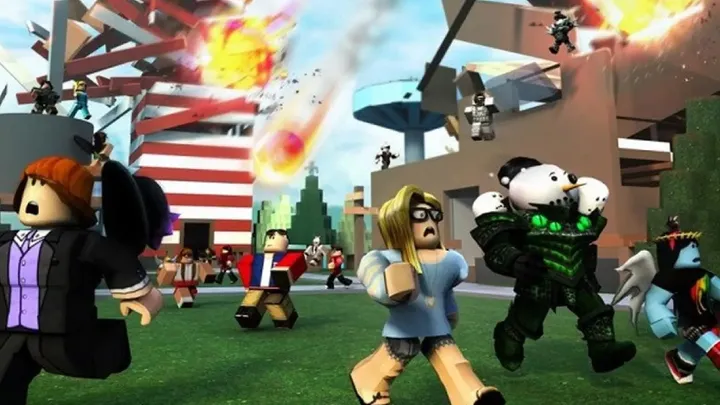
The Roblox interface includes the web or app section for browsing games, groups, and the store, as well as the in game interface with controls, chat, and menus. Use the search bar and category filters to find games. Each game page displays developer information, player count, descriptions, and ratings so review these carefully before joining.
In game, get familiar with movement controls using WASD or arrow keys on PC or a virtual joystick on mobile, along with jumping and camera control. Use the chat window to communicate but always follow community guidelines. If you encounter technical issues, go to settings to adjust graphics, audio, and controls for better performance.
Choosing the Right Games to Play
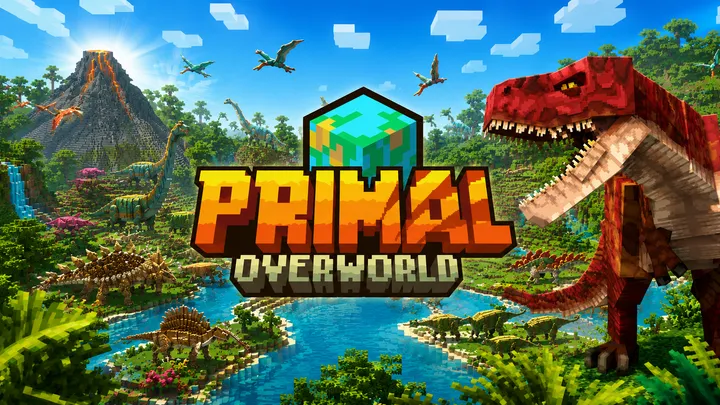
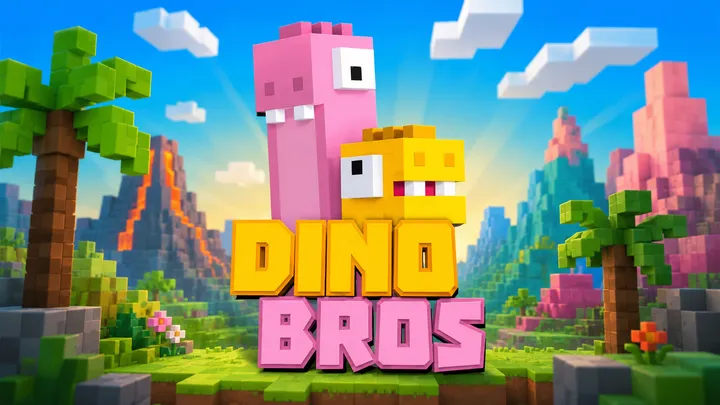
Roblox offers a wide variety of genres such as obbies, simulators, roleplay, RPG, tycoon, and social hangouts. When selecting a game, consider its popularity, developer reputation, and last update time. Frequently updated games usually provide a smoother and more engaging experience.
Read player reviews, watch gameplay videos or streams, and join community groups or Discord servers to learn tips and find teammates. If choosing games for children, configure privacy settings and parental controls to limit unwanted interactions.
Basic Gameplay Tips and Strategies
Each game has its own mechanics, but some general principles apply. Identify your goal early whether it is reaching the finish line, collecting resources, or defeating enemies. Practice movement and camera control to avoid falling in obbies or being defeated in PvP modes.
Save resources in simulators and tycoons and avoid spending Robux or in game currency too quickly. Observe experienced players to learn optimal paths, item usage, and common mistakes. Complete in game tutorials as developers often include helpful tips there.
Communication and Social Features
Roblox includes social features such as friends, groups, and in game chat. Add friends to play together and coordinate strategies. Join groups to access exclusive games, events, and developer updates.
Developers often host events or give away items through groups so stay updated. Be mindful that chat filters prevent sharing personal information and inappropriate content. Report any violations to moderators according to community standards.
Earning and Using Robux Wisely
Robux is the virtual currency used to purchase avatar items, game passes, and developer products. You can buy Robux, subscribe to Roblox Premium, or earn it by selling items and game passes you create. If eligible, you can exchange Robux for real money through the Developer Exchange program.
Spend Robux wisely by prioritizing items that enhance your experience. Avoid websites or users promising free Robux as they are often scams. If you play regularly, consider Roblox Premium for monthly benefits and trading features.
Introduction to Roblox Studio Installing and the Basics
Roblox Studio is a free tool for creating games. Download and install it from the Roblox website. When opening Studio for the first time, choose a template like Baseplate, Obby, or Racing to get started.
Learn the main panels such as Explorer which lists game objects, Properties which shows object attributes, and Toolbox which contains models and plugins. Practice basic actions like inserting parts, moving, rotating, resizing, and locking objects. Use terrain tools to build environments and save frequently.
Scripting Basics with Lua
Why Lua
Lua is the programming language used in Roblox for handling game logic, events, and interactions. It is lightweight, easy to learn, and well documented. Learning Lua allows you to create custom mechanics, UI systems, and multiplayer logic.
Getting Started with Scripts
In Roblox Studio, insert a Script into ServerScriptService to run server side code. Use print Hello world to test functionality. LocalScripts handle client side behavior such as camera and GUI and must be placed in PlayerGui, StarterCharacterScripts, or StarterPlayerScripts.
Understand core concepts such as variables, functions, conditions, loops, and event handling using Connect. Learn Roblox APIs like workspace, Players, and ReplicatedStorage. Use comments to keep your code organized.
Example Simple Leaderboard Script
Create a basic leaderboard by using PlayerAdded to initialize leaderstats for each player. Add an IntValue named Points and update it when players collect tokens. Test in Play Solo or Play Here mode to ensure proper functionality.
Debugging and Best Practices
Use print statements and the Output window for debugging. Avoid long blocking loops and instead use events or coroutines for asynchronous behavior. Keep sensitive logic on the server to prevent cheating and organize code using ModuleScripts.
Designing Engaging Levels and Monetization
An engaging game requires clear objectives, increasing difficulty, and rewarding feedback. Start with an interactive tutorial and introduce mechanics gradually. Use visual effects, sounds, and particles to enhance rewards and player satisfaction.
Monetization should support gameplay, not ruin it. Offer cosmetic items or utility based game passes rather than pay to win advantages. Use Roblox analytics tools to track player behavior and improve retention.
Testing Publishing and Growing Your Player Base
Thorough testing is essential. Use Roblox Studio testing tools to simulate multiple players and devices. Invite beta testers and collect feedback through Discord or social media.
Once ready, publish your game and promote it. Create eye catching thumbnails, write clear descriptions, and update regularly. Collaborate with other developers or creators, host in game events, and listen to your community to build a loyal player base.
Additional Checklist
- Maintain regular update logs
- Use Publisher History and backups
- Engage with players via group posts
- Monitor revenue and adjust pricing
- Ensure accessibility with clear UI and readable fonts
Conclusion
Roblox is a vast platform for both players and creators. Start with a secure account, learn the interface, and choose the right games. If you want to create games, gradually learn Roblox Studio and Lua. Begin with simple builds, test frequently, and improve based on feedback. Ethical monetization, strong community engagement, and consistent updates will help your game succeed. With dedication and continuous learning, you can create engaging and successful Roblox experiences.
Summary
Complete Roblox guide covering account setup gameplay Studio Lua scripting monetization testing publishing and building a strong player community